22:14
Driveway PIR
ONYX Intelligence
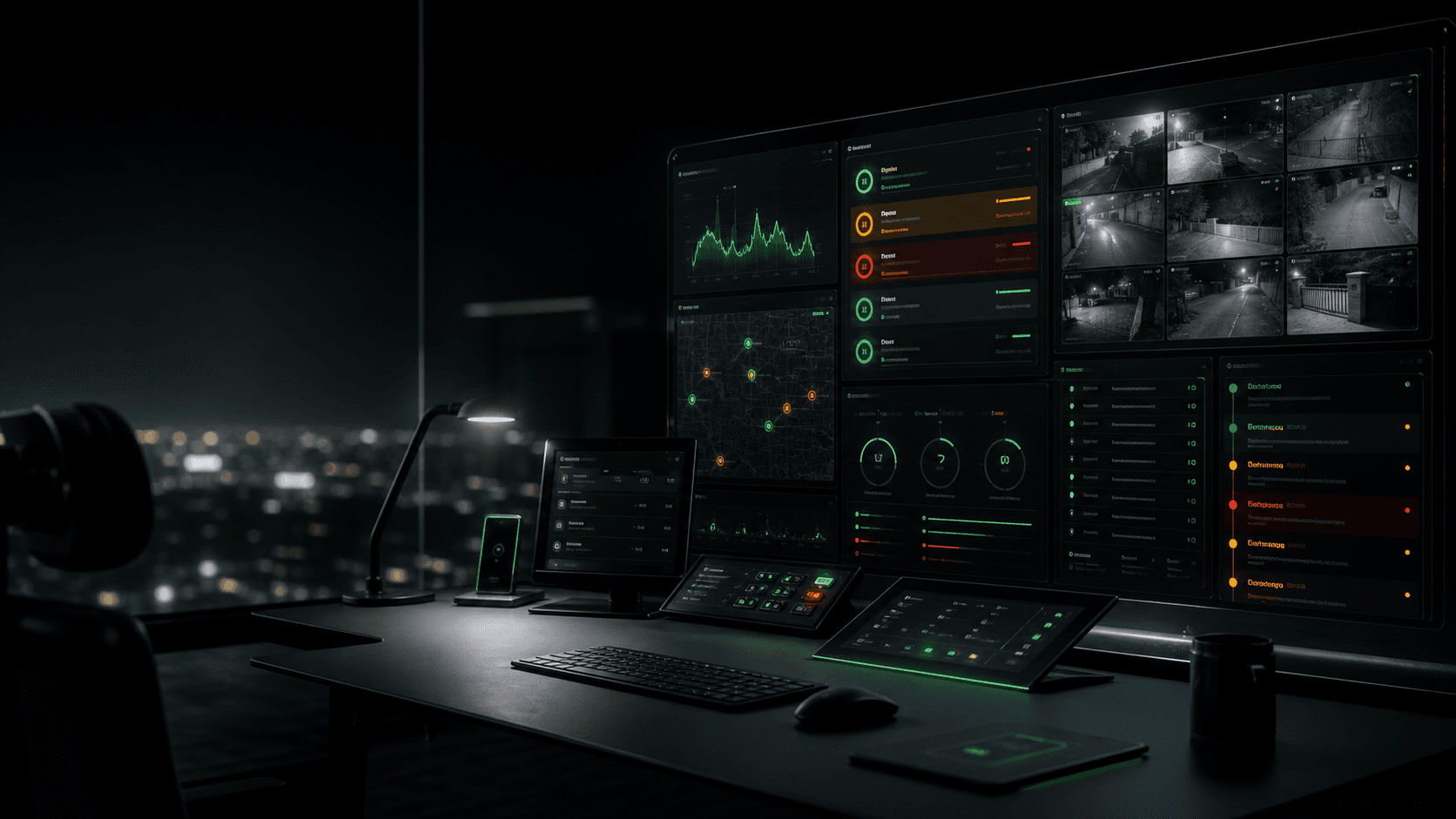
At 2 AM, ONYX turns connected alarms, camera events, and site changes into meaning: what changed, what evidence exists, and what should happen next.
Camera intelligence works with existing Hikvision hardware. Alarm context may require Olarm, approved integration, or additional configuration. Remote blind spots can be reviewed for Hikvision AOV 4G solar camera coverage.
Zara watches connected signals, checks cameras, understands site context, writes the report, and assists the people who stay accountable.
Designed to work alongside existing security operations. Humans retain authority.
Driveway PIR
Camera check
Recognition
Meaning
No panic. No raw signal noise. Just meaning.
From alarm monitoring to security intelligence
Every security company is trying to become smarter. ONYX is already that layer: certainty, faster decisions, fewer false alarms, better evidence, and the feeling that an intelligent operator is watching with you.
Alarms without CCTV context
Unknown people near protected areas
Resident movement that should not become panic
Camera sites that go offline or stale
Remote blind spots with no Wi-Fi or power
Repeat zones creating false-dispatch noise
Evidence gaps before anyone starts guessing
Built for real security operations
Verified ecosystem credibility
ONYX Platform is listed for Hik-Connect Team OpenAPI, giving security companies and site owners confidence that the watch layer is built on an approved Hikvision software path.
Remote watch expansion
Existing Hikvision sites remain the fastest launch path. For the places clients normally leave exposed, ONYX can extend the watch layer through Hikvision AOV 4G solar camera deployments after site, data, and coverage review.
For yards, farms, gates, construction sites, and estate blind spots where Wi-Fi or trenching slows the sale.
AOV-style deployments give ONYX a cleaner expansion route for remote camera intelligence without changing the core platform.
Vehicle flow, store footfall, after-hours movement, queue pressure, and client-defined site questions become reportable signals.
Workflow, not feature list
ONYX turns existing CCTV, connected alarm, and operator inputs into a live operational loop: collect the signal, interpret the context, guide the human, and preserve the outcome.
The site sends a connected alarm, CCTV event, camera-health change, or operator note into one intelligence layer.
Zara pulls mapped Hikvision context, checks channel health, and looks for available evidence around the moment.
The platform separates resident movement, stale evidence, visible people, repeat triggers, and high-risk gaps.
Owners, managers, or partner operators receive clear updates instead of raw signal noise.
Zara can recommend close, monitor, call owner, escalate, or dispatch review while humans keep authority.
The case keeps its timeline, evidence boundary, outcome, and client-ready summary for later review.
Meet Zara
Zara brings connected signals, available camera context, site history, and clear incident summaries together for operators. She assists the decision; humans retain authority.
Driveway PIR triggered. Vehicle entering. Garage opened.
Resident vehicle recognised. No threat indicated. Case can close.
Rear perimeter alarm. Unknown person near workshop.
Person visible. Movement toward protected area. Urgent escalation recommended.
Camera offline during alarm trigger.
Evidence missing. Treat as high risk until the site is physically checked.
ONYX Verify
ONYX is piloted alongside existing control-room workflows. It brings the signal, available evidence, and a clear recommendation together before the operator makes the decision.
Connected alarms, camera events, health changes, and operator notes can enter one review path.
ONYX brings available camera context, site history, and evidence gaps into the operator's view.
Zara prepares a clear assessment and next-step recommendation while the operator remains accountable for the decision.
The event, supporting evidence, operator decision, and result form a reviewable operational record.
The operational problem
ONYX helps the operator distinguish available evidence, normal patterns, uncertainty, and situations that need escalation.
Close quietly
No panic
Treat as risk
Escalate
Response review
Example workflow
Instead of dumping raw signals on an operator, ONYX turns the event into a short timeline with available evidence, evidence gaps, and a recommended next step.
Outdoor beam triggers after hours. ONYX opens the mapped site context.
Hikvision camera path and zone mapping are checked immediately.
Available evidence indicates a person in the triggered area.
Approved contacts get the short version: what triggered, what ONYX saw, and what to do next.
ONYX reports what the connected evidence supports. If the camera path is stale, blocked, or unavailable, the message says that clearly instead of pretending certainty. Timing shown is an example fast path; real delivery depends on site connectivity, provider latency, and available evidence.
Partner intelligence layer
ONYX Verify is designed to run alongside your existing monitoring operation. Start with a controlled pilot, learn from real workflows, and keep dispatch authority with your team.
Explore a partner pilotZara assists. Humans retain authority. ONYX can recommend the next step, preserve the record, and route the right message without pretending software is a legal responder.
Reports clients will actually read
Daily and weekly summaries show camera health, connected alarm context, repeat faults, and where the site needs attention. This is the value layer that turns existing Hikvision infrastructure into a recurring client-service moment.
Reporting cadence
Alerts matter in the moment. Reports create trust after the moment: what was checked, what stayed healthy, what failed, and what should be improved.
Camera status, latest successful check, stale warnings, and alarm-feedback notes when available.
Noisy zones, camera-health gaps, false-alarm patterns, and client-ready recommendations for better service.
Built to expand
ONYX is designed to begin with the site you already have, then grow with the signals your property, business, or estate needs to understand. The product gets more useful as the site history gets richer.
Camera health, connected alarm paths, access events, and operational notes can become one clearer site story over time.
Daily pulses can grow into trend reports, repeat-risk summaries, and the few recommendations that actually matter.
Security providers can start with client communication, then expand into estate, commercial, and remote-site intelligence.
Where we start
The first pilots focus on security-company workflows and the sites they already protect. Estates, commercial sites, and homes are served through the operational model that proves useful in practice.
An intelligence layer for existing control-room workflows: clearer evidence, better client feedback, and no replacement of operator authority.
Perimeter alarms, gates, roads, guards, residents, and CCTV context brought into one clearer operational picture.
After-hours alarms, camera gaps, repeat triggers, and manager summaries for businesses that need cleaner decisions.
Affordable peace of mind for families who want their existing alarm and camera site to explain what happened.

Not another guarding company